« Design is not just what it looks like. Design is how it works. » – Steve Jobs
Before writing a single line of code — before even thinking about technical development — one thing must be crystal clear: your user interface. And that clarity begins with a fundamental, yet far too often overlooked, step: creating UI/UX mockups.
In this article, discover why this prototyping phase is far more than just a visual “bonus.” It is the backbone of any successful digital experience, whether it’s a mobile app, a website, or business software.

What Is a UI/UX Mockup?
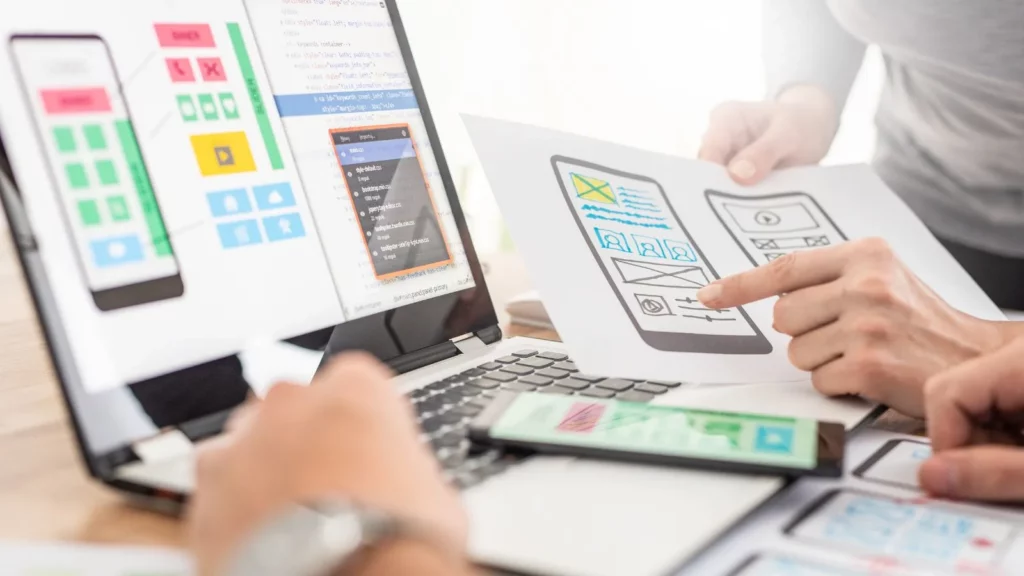
A UI/UX mockup is a visual representation of your digital product before technical development begins. It can be:
- A wireframe (a functional black-and-white layout)
- A UI mockup (final design with colors, typography, buttons, etc.)
- A interactive prototype (clickable mockup simulating real navigation)
It allows you to visualize ergonomics, test user flows, and validate graphic choices before engaging in costly development.
In other words, it’s your project… without the risks.
Why Is Creating UI/UX Mockups Essential?
1. Clarify your project vision
A poorly expressed idea is a poorly executed idea. By designing mockups, you move from intuition to concreteness. All project stakeholders (founders, developers, designers, clients…) can see, understand, and adjust the shared vision.
This reduces ambiguity, avoids misunderstandings… and saves precious time.
→ See also: Why a well-structured specifications document prevents scope creep
2. Keep the project user-centered
UX design (User Experience) puts the user at the heart of the process. Thanks to functional mockups, you can test real usage: navigation, clicks, screen transitions, accessibility…
You no longer design a product for yourself, but for those who will actually use it..
The result: smoother experiences, fewer drop-offs, more conversions.
3. Save time and money during development
Developing an app or website without mockups is like building a house without blueprints: mistakes are inevitable — and always expensive.
- A validated mockup = a precise visual specifications document
- Fewer back-and-forths between client and developer
- Better control over timelines and budgets
By investing 10% of the project time into mockups, you can save 30–50% on development.
4. Better convince partners and investors
An idea is worth nothing without execution. But a well-designed mockup is worth a thousand PowerPoint slides..
Whether you’re pitching an investor, applying for public funding, or seeking a technical partner, an interactive prototype brings your vision to life. It projects, persuades, and builds trust.
"Here’s what we’re launching, and here’s what it will look like."
→ See also: Steps to develop a profitable MVP
Steps to a Successful UI/UX Mockup Process
1. UX scoping workshop
We start by understanding your users, goals, and constraints:
- Creating personas
- Analyzing current user flows
- Identifying friction points
This is a crucial step to lay the foundations for a user-centered design.
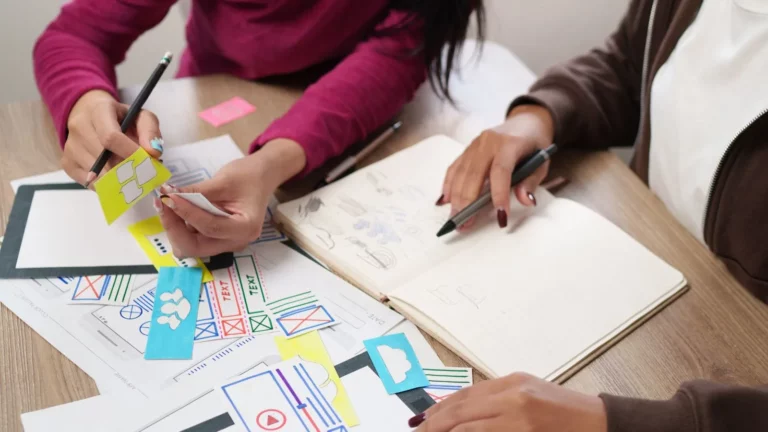
2. Functional wireframes
Here, we structure the interface without colors or graphic style— just blocks, text, and buttons.
The goal: validate navigation logic, hierarchy levels, and information structure.
It’s the “skeleton” mockup of the project.
3. High-fidelity UI mockups
Once the structure is validated, we move on to visual identity:
- Graphic guidelines
- Colors, typography
- Interactive components
- Responsive design
These UI mockups represent the final, pixel-perfect rendering.
4. Interactive prototypes
With tools like Figma, Adobe XD, or InVision, we turn your screens into clickable user journeys..
This allows you to:
- Test user flows
- Get tangible feedback
- Simulate the real application before coding
It’s the best foundation for developers..
How Much Does Creating UI/UX Mockups Cost?
The price depends on several factors:
- Number of screens
- Complexity of flows
- Existing or new graphic guidelines
- Level of prototype interactivity
For a typical project (10 to 15 screens), expect between €1,000 and €4,000 for a complete, structured delivery in Figma, with developer-ready assets.
And After the Mockups?
Once your UI/UX mockups are validated, you can:
- Launch development (MVP or full version)
- Test the prototype with real users
- Pitch your project to partners/investors
- Start a POC (Proof of Concept) or pre-sales
In short, you have a concrete product in hand— even if it’s not yet coded. And that’s already a huge advantage.
In summary: a well-designed mockup means a well-launched project
Too many companies skip the mockup stage and pay the price later. By investing in UI/UX mockup creation from the start, you build a clear, solid foundation aligned with your users’ real expectations..
Because in the end, it’s not your idea that will win over the market — it’s the experience your users have..
Need full UX/UI support to structure your digital project?
Our team designs your mockups in Figma, creates interactive prototypes, and supports you all the way to development.
Request a free audit today.